
Hildon settings
The Hildon control panel (Maemo Leste) with Date and time, Regional, Display, Profiles and About device
Files
How to install
Copy the .sis file to the device and open it, or install this app from Catalogue on the device.
Screenshots
About
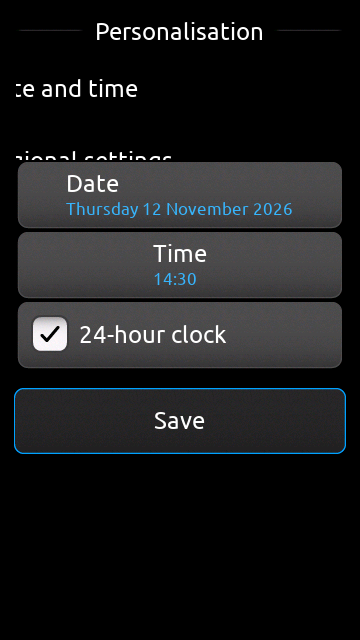
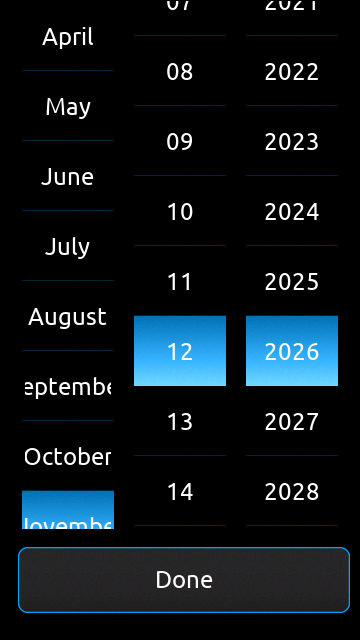
The Maemo Leste control panel, hildon-control-panel, running on the Hildon package. It comes with five applets: Date and time sets the date, the time and the 12/24-hour clock; Regional settings sets the date format; Display sets when the screen light turns off; Profiles switches the sound profile (General, Silent, Meeting, ...); About device shows the software version, the language, memory and storage. They read and change the system settings, so the rest of the phone follows.
It needs the Hildon package (and through it GLib, GTK and D-Bus); Catalogue installs those first.
Open it from the menu as Settings (Hildon).
Details
- Licence
- BSD-2-Clause AND LGPL-2.1-only
- Architecture
- x32
- Needs first
- hildon-ui
- Source
- github.com/Phorepoc/hildon-ui
- Homepage
- https://github.com/Phorepoc/hildon-ui